

claude plugin eval runs your plugin against a suite of test cases, scores the results, and by default runs each case again without the plugin so you can see what it contributes. claude plugin eval init asks you what a good result looks like, then proposes test cases and the checks that score them, tries the suite once, and writes the files. Every run, and every check that has a second model judge the reply, is a real model call on your account.
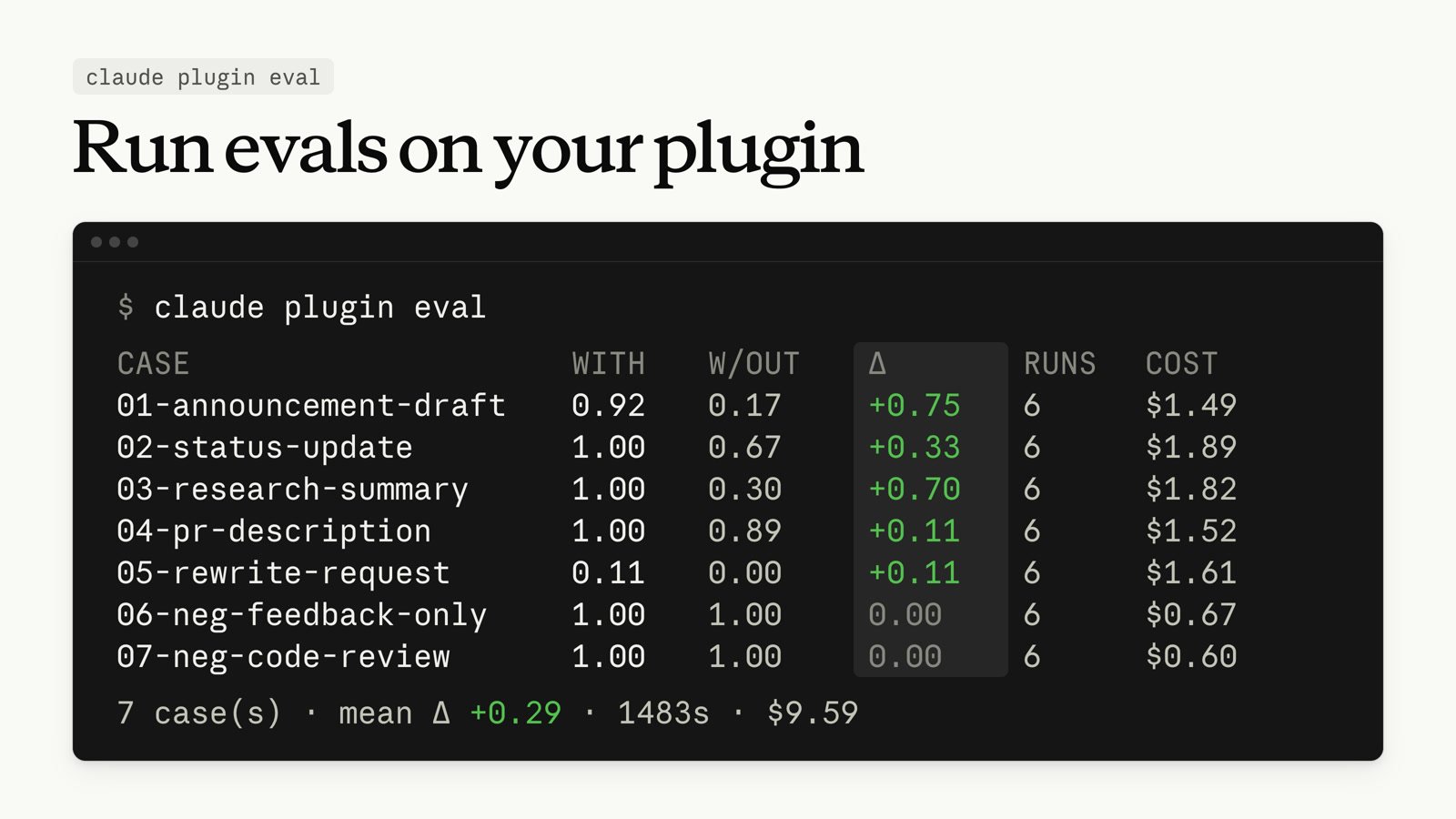
From your plugin’s root directory, have Claude draft the suite:
When Claude tells you the suite is ready, exit the session that claude plugin eval init opened and run claude plugin eval . to score every case. The summary table prints in your terminal, and report.html under evals/results/ has the per-run detail.
In the Claude Code Desktop app, you can pop any pane out into its own window. Drag the diff or terminal to a second screen while Claude keeps working in the main window, then dock the pane back when you’re done.
Other wins
maxEffortLevel at the top level or per model under modelSettings to cap the effort level on every provider, including Amazon Bedrock, Google Cloud’s Agent Platform, and Microsoft Foundry; any higher level runs at the cap--plugin-dir at a folder of plugins to load each immediate subfolder that has a manifestCLAUDE_CODE_WEBFETCH_DEADLINE_MS to change the deadline, or to 0 to remove the limit--json to claude plugin install, uninstall, update, enable, or disable to print the result as one JSON object on the last line of stdout[Data Exfiltration]/ partway through a prompt, you can now pick from a list of matching commands instead of a single suggestion. The list opens as you type in fullscreen rendering. A plugin skill also matches on its name without the plugin prefixEsc or Up, and the text returns to the message box