

Your Claude Code sessions can now message each other. Claude discovers your other sessions with the ListAgents tool and sends with SendMessage, either when you ask it to or on its own, such as after a change in one session affects what another is working on. A message is text Claude writes for the other session, never your conversation history or files. Available on macOS and Linux. Requires v2.1.224 or later.
With two sessions open on the same machine, ask one of them to pass something along:
The other session shows a Message from row once Claude has read the message; press Ctrl+O to expand it. To see which sessions Claude can reach, run /list-agents.
Self-hosted environments run Claude Code cloud sessions on your organization’s own infrastructure, in public beta on Team and Enterprise plans. Run claude self-hosted-runner on your machines or containers to turn them into runners. When someone picks your environment while starting a session from claude.ai, the mobile or desktop apps, or claude --cloud, that session runs inside your network, with access to your internal services. An Owner turns on Allow self-hosted environments in admin settings first.
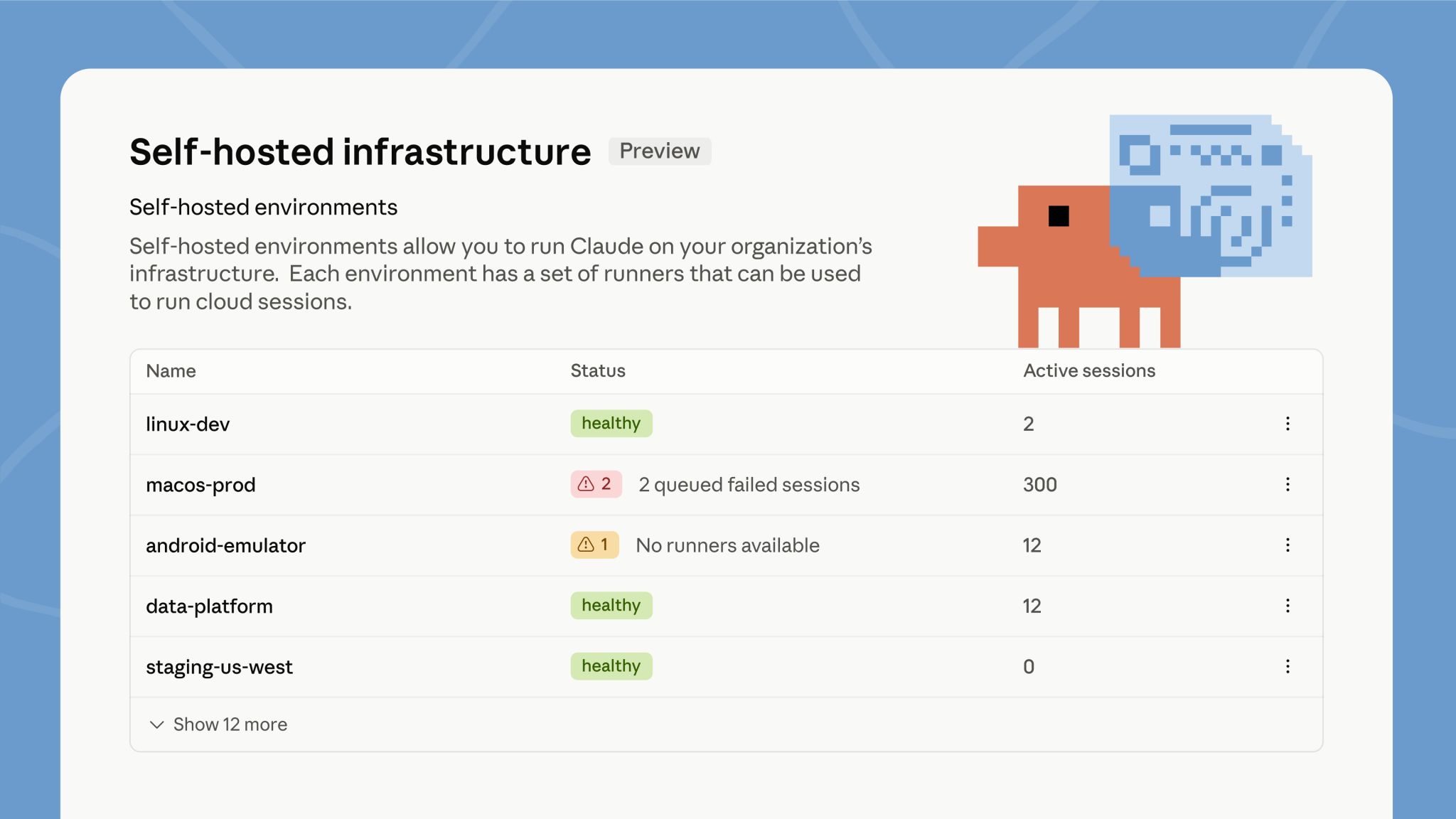
Signed in as an Owner, run the guided setup, which walks you through creating the environment and starts a runner:
The environment shows Healthy in admin settings once the runner registers.
Self-hosted environments quickstartStarting August 14, auto mode is the default permission mode for new sessions on Pro, Max, and Team plans. If you set a default mode yourself, it stays in place unless you accept the one-time switch prompt, and a default your organization manages doesn’t change. You can still switch modes at any time. Already in effect on those plans: the classifier calls auto mode makes no longer count toward your usage limits.
To start every session in auto mode before the switch, set it as your default in your user settings:
New sessions then show auto mode on in the status bar.
Other wins
Ctrl+Alt+F (Ctrl+Option+F on Mac)mode: “mask” on Linux and WSL2, so sandboxed commands read a sentinel copy while the sandbox proxy substitutes the real value on egress; credential masking also gains extract, JWT-aware decode, and AWS SigV4 re-signing optionsarchive source, downloaded over HTTPS with an optional SHA-256 pin, so installs work without git or npm/review is now an alias of /code-review, and /code-review with no effort level reuses the level you typed last/fork now makes its code changes in a worktree of its own instead of the original session’s checkout/plugin activate in the current session when it’s safe to do so; the install summary reports Plugin is now active. or tells you to run /reload-pluginsCLAUDE.mdremoteControlAtStartup in your user or managed settings instead, and project and local settings can only turn it off/ultraplan command and the ultraplan keyword; use plan mode or Claude Code on the web instead